

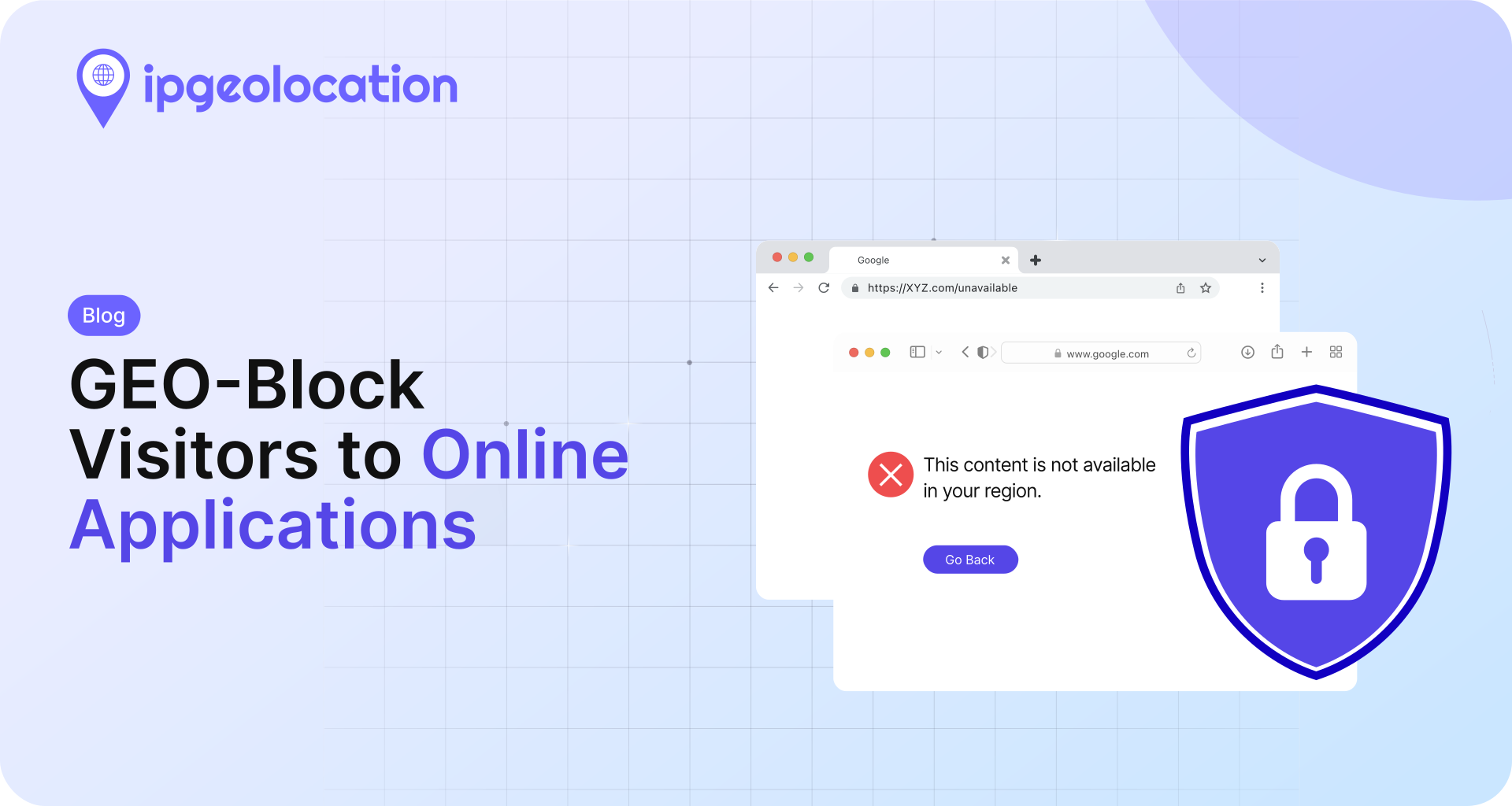
Online applications face many cyberattacks and exploits. Some online applications or some of their content are not available in some regions of the world. You can geo-restrict visitors from unavailable zones on your application using IP location services like the ipgeolocation.io API.
The steps to avoid unauthorized access in the restricted regions using IP location services would be:
- If a user visits a page on your online application, get their approximate location from their IP address using the ipgeolocation.io API.
- Check if the viewed page or content on it is in restricted zone(s).
- Check if the user's location is in any restricted zone.
- If the page contains content restricted in the user's location, remove the content from the page or display a blocked message.
Here is how you can do it using ipgeolocation.io API:
Before moving on to code, you need to get an API key to use ipgeolocation.io API. If you do not have an account at ipgeolocation.io, then:
- Sign up here.
- Then log in to the ipgeolocation.io Dashboard and get your API key listed under the subscribed API plan.
Geo-Block Your Visitors using ipgeolocation jQuery SDK
Open a text editor and open the page, with restricted access, of your website, say index.html.
Add the following script in the head tag of the page.
<script src="https://cdn.jsdelivr.net/npm/ip-geolocation-api-jquery-sdk@1.1.2/ipgeolocation.min.js"></script>
Add another script block at the bottom of the head tag of the page.
<script>
  // Enable sessionStorage usage to store API response on client-side. This avoids duplicate API calls for a visitor visiting multiple pages during a single visit.
  _ipgeolocation.enableSessionStorage(true);

  // Disable async calls to ipgeolocation.io API. This
  _ipgeolocation.makeAsyncCallsToAPI(false);

  // Fetch only the `country_code2` field from the response excluding rest of the response as we'll restrict access based on the country.
  _ipgeolocation.setFields("country_code2");

  // Get IP-Location for the visitor's IP address. Replace "YOUR_API_KEY" with the API key from the ipgeolocation.io dashboard.
  _ipgeolocation.getGeolocation(redirectToUnauthorizedPage, "YOUR_API_KEY");

  function redirectToUnauthorizedPage(response) {
    country_code2 = response.country_code2;

    // allow visitors only from US or CA, else redirect to security error message

    if (country_code2 === 'US' || country_code2 === 'CA') {
      window.location.href = "https://site.com/";
    } else {
      window.location.href = "https://site.com/unauthorized-access.html";
    }
  }
</script>
Geo-Blocking the Visitors using PHP
Open a text editor and open the page of your website with restricted access, say index.php.
Add the following script in the page.
<?php
  // query ipgeolocation.io API and returns JSON response
  function get_geolocation($apiKey, $ip, $lang = "en", $fields = "*") {
    $url = "https://api.ipgeolocation.io/ipgeo?apiKey=".$apiKey."&ip=".$ip."&lang=".$lang."&fields=".$fields;
    $cURL = curl_init();

    curl_setopt($cURL, CURLOPT_URL, $url);
    curl_setopt($cURL, CURLOPT_HTTPGET, true);
    curl_setopt($cURL, CURLOPT_RETURNTRANSFER, true);
    curl_setopt($cURL, CURLOPT_HTTPHEADER, array (
      "Accept: application/json"
    ));

    return curl_exec($cURL);
  }

  // get ipgeolocation for the visitor's IP address. Replace YOUR_API_KEY with your API key.
  $json = get_geolocation("YOUR_API_KEY", $_SERVER["REMOTE_ADDR"], "en", "country_code2");
  $geolocation = json_decode($json, true);
  $currentWebsite = $_SERVER["SERVER_NAME"];
  $redirect = false;
  $redirectTo = null;

  // allow visitors only from US or CA, else redirect to security error message
  if ($geolocation["country_code2"] == "US" || $geolocation["country_code2"] == "CA") {
    $redirect = false;
  } else {
    $redirect = true;
    $redirectTo = "https://site.com/unauthorized-access";
  }

  if ($redirect) {
    header("Location: ".$redirectTo);
    die();
  }
?>