

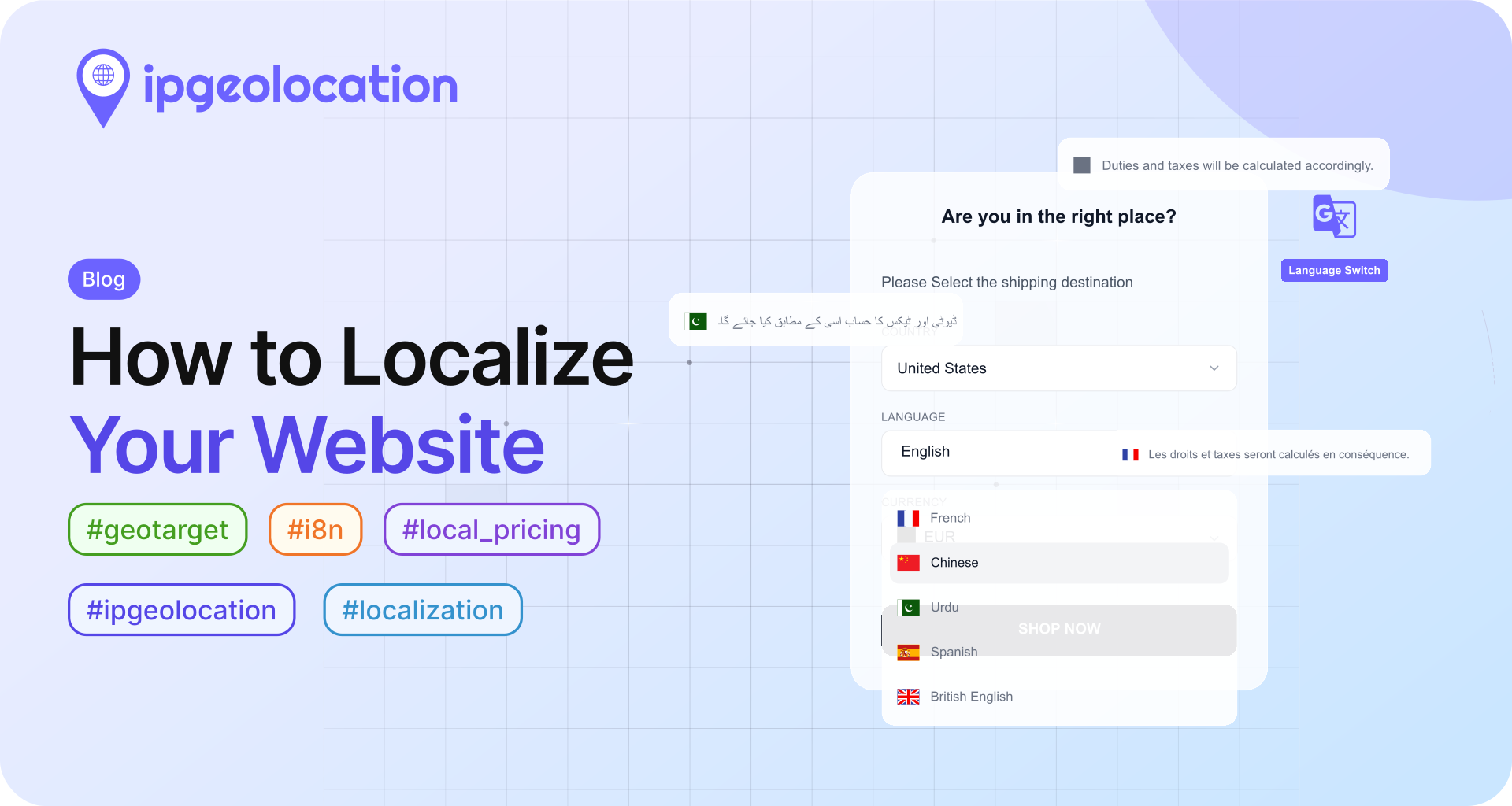
Is your business present in more than one region in the world? Do you have a customer base in multiple regions of the world? If yes, then you must have the website visitors from all over the world.
When the visitors hit your business website, do they see:
- a dedicated page for their location (Geo-marketing)
- the content on your website in their local language (Content Localization)
- the products' prices in their local currency (Local Pricing)
You're missing tremendous opportunities for geotargeting if you're doing none of these things. Your visitors face a barrier of language, currency or products unrelated to their region. That enhances the friction between your business and the buyers.
IP location services make location-based marketing easier for online sellers. Here are the steps to geo-target a visitor on your business site:
- Get the visitor's IP-location
- Validate the visitor's region and see if you're geotargeting the visitors from that region
- Redirect or display the localized content to the visitor
Here is how to do it using ipgeolocation.io API:
Before moving on to code examples, you need an API key to use ipgeolocation.io API. If you do not have an account at ipgeolocation.io, then:
- Sign up here.
- Then log in to the ipgeolocation.io Dashboard and get your API key listed under the subscribed API plan.
Geotarget Your Visitors using jQuery SDK
Open a text editor and open the page, where you want to display localized content, of your website, say index.html.
Add the following script in the head tag of the page.
<script src="https://cdn.jsdelivr.net/npm/ip-geolocation-api-jquery-sdk@1.1.2/ipgeolocation.min.js"></script>
Add another script block in the head tag of the page.
<script>
// Enable sessionStorage usage to store API response on client-side. This avoids duplicate API calls for a visitor visiting multiple pages during single visit disabling.
_ipgeolocation.enableSessionStorage(true);

// Disable async calls to ipgeolocation.io API.
_ipgeolocation.makeAsyncCallsToAPI(false);

// Fetch only the `country_code2` field from the response, excluding rest of the response
_ipgeolocation.setFields("country_code2");

// Get ipgeolocation for the visitor's IP address. Replace "YOUR_API_KEY" with the API key from the ipgeolocation.io dashboard.
_ipgeolocation.getGeolocation(redirectToLocalizedWebsites, "YOUR_API_KEY");

function redirectToLocalizedWebsites(ipGeolocationResponse) {
  country_code2 = ipGeolocationResponse.country_code2;

  // if the visitor is from US and he isn't visiting the US website, then redirect to us.site.com US website
  if (country_code2 === 'US' && window.location.hostname !== "us.site.com") {
    window.location.href = "https://us.site.com/";
  } else if (country_code2 === 'CA' && window.location.hostname !== "ca.site.com") {
    window.location.href = "https://ca.site.com/";
  } else if (country_code2 === 'AU' && window.location.hostname !== "au.site.com") {
    window.location.href = "https://au.site.com/";
  } else if (window.location.hostname !== "global.site.com") {
    window.location.href = "https://global.site.com/";
  }
}
</script>
Geo-redirecting Your Visitors using PHP
Open the home page of your website, say index.php, in a text editor.
Add the following script in the head tag of the page.
<?php
// query ipgeolocation.io API and returns JSON response
function get_geolocation($apiKey, $ip, $lang = "en", $fields = "*") {
  $url = "https://api.ipgeolocation.io/v3/ipgeo?apiKey=".$apiKey."&ip=".$ip."&lang=".$lang."&fields=".$fields;
  $cURL = curl_init();

  curl_setopt($cURL, CURLOPT_URL, $url);
  curl_setopt($cURL, CURLOPT_HTTPGET, true);
  curl_setopt($cURL, CURLOPT_RETURNTRANSFER, true);
  curl_setopt($cURL, CURLOPT_HTTPHEADER, array (
    "Accept: application/json"
  ));

  return curl_exec($cURL);
}

// get ipgeolocation for the visitor's IP address. Replace YOUR_API_KEY with your API key.
$json = get_geolocation("YOUR_API_KEY", $_SERVER["REMOTE_ADDR"], "en", "country_code2");
$geolocation = json_decode($json, true);
$currentWebsite = $_SERVER["SERVER_NAME"];
$redirect = false;
$redirectTo = null;

if ($geolocation["country_code2"] == "US" && $currentWebsite != "us.site.com") {
  $redirect = true;
  $redirectTo = "https://us.site.com/";
} else if ($geolocation["country_code2"] == "CA" && $currentWebsite != "ca.site.com") {
  $redirect = true;
  $redirectTo = "https://ca.site.com/";
} else if ($geolocation["country_code2"] == "AU" && $currentWebsite != "au.site.com") {
  $redirect = true;
  $redirectTo = "https://au.site.com/";
} else if ($currentWebsite != "global.site.com") {
  $redirectTo = "https://global.site.com/";
}

if ($redirect) {
  header("Location: ".$redirectTo);
  die();
}
?>