

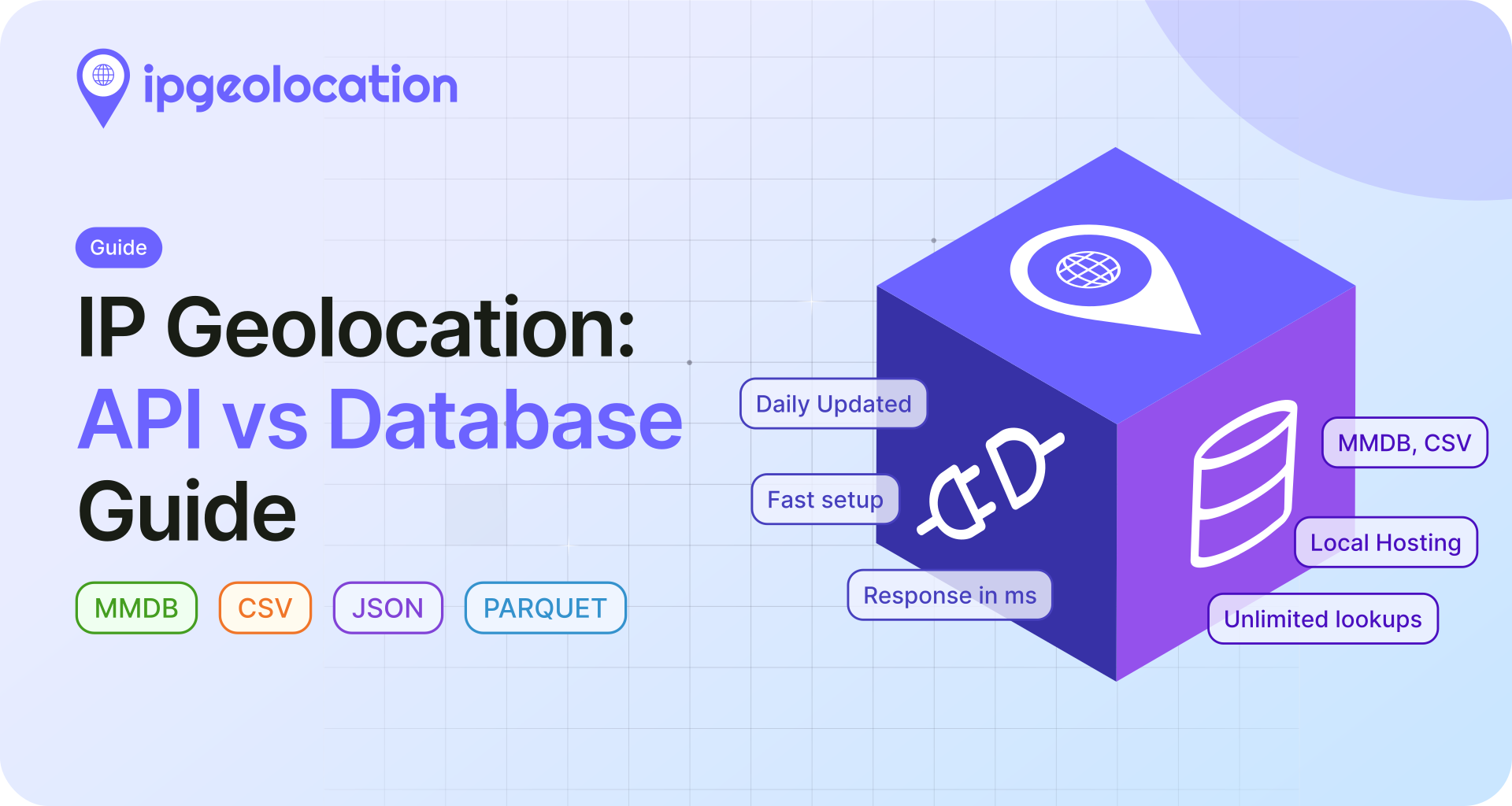
An IP geolocation database maps IP addresses to locations like country, city, and time zone. You can access this data through an API (hosted by the provider) or by downloading the database and hosting it yourself in MMDB or CSV format.
This guide covers how to decide between an API and a database, when MMDB is the right format vs CSV, and what to look for in a provider. If you already know which setup you need, skip to the relevant section.
TL;DR
- IP geolocation API: hosted by the provider, no infrastructure to manage. You send an IP, get location data back in milliseconds. Best for teams that want to start fast without managing database files.
- Downloadable database (MMDB): a binary file optimized for runtime IP lookups inside applications. Best for engineering teams building services that query IP data at high volume with no external dependencies.
- Downloadable database (CSV): a flat file you import into SQL databases, warehouses, or analytics pipelines. Best for data teams that need to join IP geolocation with internal datasets.
- If you're not sure, start with the API. You can always move to a database later as your needs grow.
For most startups and small teams, the API is the fastest path to production. For larger businesses with infrastructure and high-volume internal lookups, a downloadable IP geolocation database removes request limits entirely and keeps everything in-house.
What Is an IP Geolocation Database?
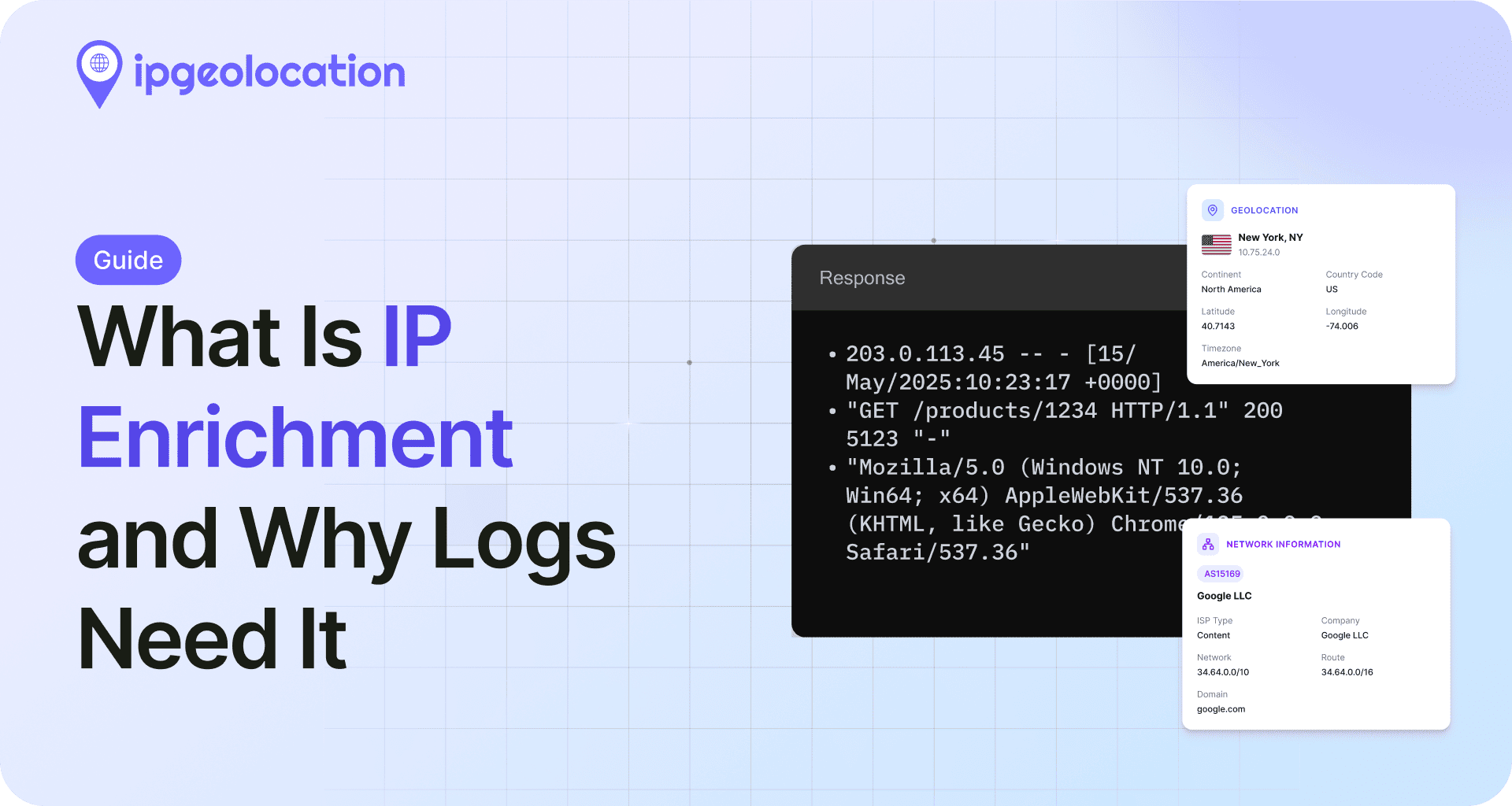
An IP geolocation database maps IP address ranges to physical locations. Each record ties a block of IP addresses to a set of location attributes: country, state or region, city, postal code, latitude and longitude, timezone, and sometimes additional metadata like ISP, connection type, or ASN.
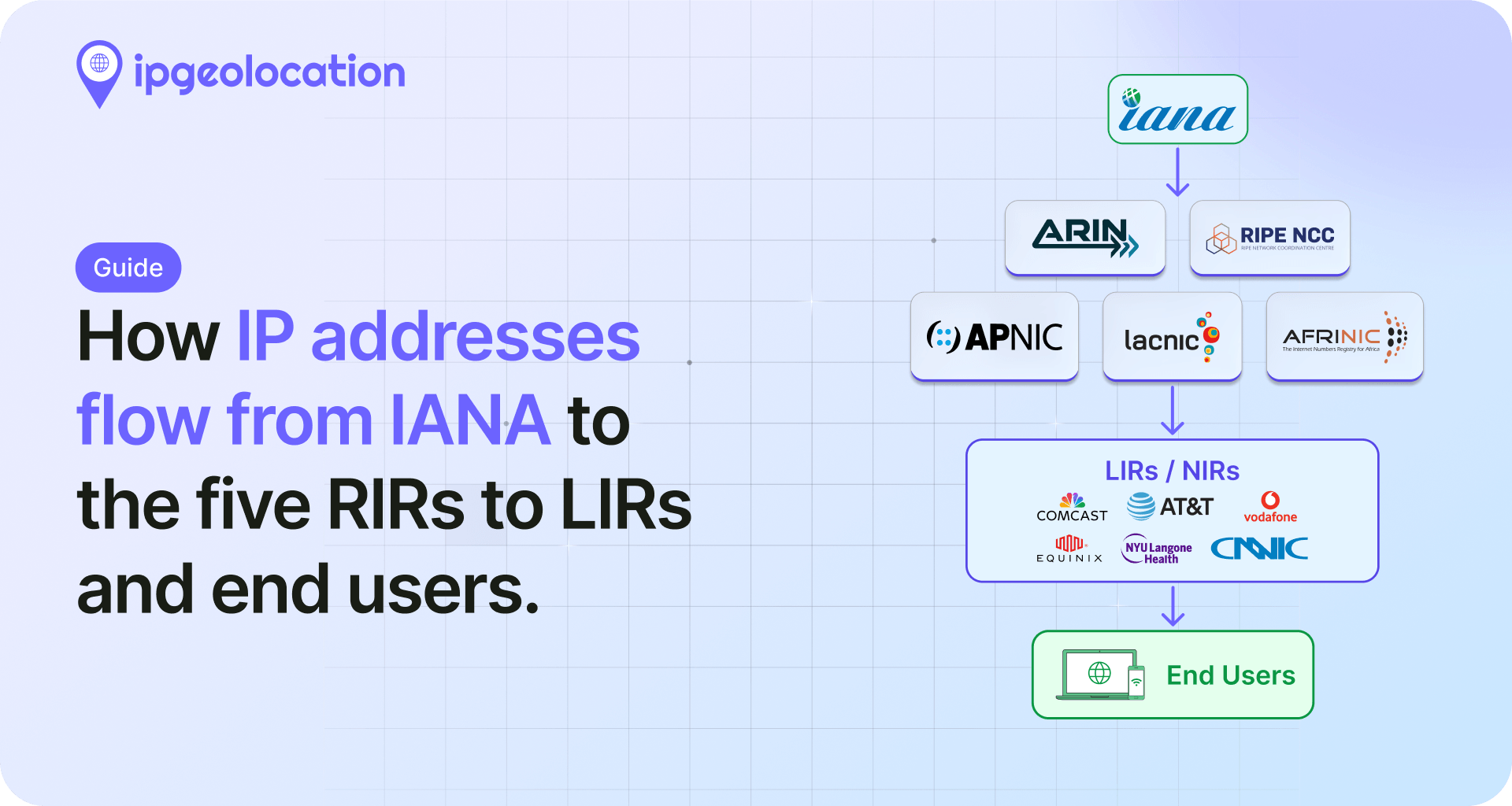
The database works by maintaining millions of these mappings. A typical commercial database covers around 30 million IP ranges across both IPv4 and IPv6. Providers build and maintain this data by combining inputs from Regional Internet Registries (RIRs), ISP allocation records, network measurements, and proprietary data collection methods.
When your application receives an IP address, it looks up which range that address falls into and returns the associated location data. How that lookup happens depends on whether you're using an API or a local database file, and that's the first decision to make.
IP Geolocation API vs Downloadable Database
The format question (MMDB or CSV) only matters if you've already decided to host the data yourself. For a lot of teams, that's not even the right starting point. An API handles the entire problem without touching a database file.
1. How an API works
An IP geolocation API handles everything on the provider's side. Your application sends an HTTP request with an IP address, and the API returns the geolocation data as a JSON or XML response. There's no file to download, no server to configure, and no update cycle to manage.
At ipgeolocation.io, the API returns data through globally distributed infrastructure with latency-based routing and a 99.99% uptime SLA. Data is updated daily. Every plan, including the free tier, covers both IPv4 and IPv6 and supports HTTPS by default.
Beyond basic location data, the API can return security intelligence (VPN/proxy/Tor detection, threat scoring), ASN details, timezone data, and connection type, all from a single request.
2. How a downloadable database works
A downloadable IP geolocation database puts the entire dataset on your servers. You download the file, load it into your application or data pipeline, and run every lookup locally. Once deployed, the database doesn't call any external service.
Your team is responsible for hosting, integrating, and keeping the data current. At ipgeolocation.io, database subscribers receive daily updates through static download URLs that never change, with email notifications and signature files for verification.
The database is available in CSV and MMDB formats by default. Custom formats (JSON, Parquet, or other structures) are available on request for any customer.
3. When the API is the right choice
Most teams should start here. If you don't already have a reason to host the data yourself, the API removes every infrastructure question from the equation.
Example: SaaS user dashboard. A startup wants to show each visitor's country flag next to their session. The engineering team doesn't have bandwidth to manage database files. They integrate the API in an afternoon, and it handles 1,000 lookups per day on the free tier without any server-side setup. Subscribe, integrate, ship.
The API is the right choice when:
- You want to start querying IP data today with no infrastructure setup
- Your lookup volume fits within a monthly plan (up to 5M credits/month)
- You need more than location: security signals, ASN, timezone, and user-agent data from a single endpoint
- You don't have engineering bandwidth to manage database files and update cycles
- You're building a prototype, MVP, or early-stage product where speed matters more than per-lookup cost
The ipgeolocation.io API starts with a free tier (1,000 credits per day), with paid plans ranging from $19/month (150K credits) to $249/month (5M credits).
4. When a database is the right choice
Example: fraud detection at scale. A platform processes 200 million transactions per month. Every transaction checks IP geolocation to flag mismatches between the user's claimed location and their IP. Making 200 million API calls would be expensive and would add external latency to every transaction. With a local MMDB file, lookups happen in microseconds with no network dependency and no per-request cost.
The pattern is the same across use cases: once you're past a certain volume, or once you need lookups to happen without any external call, hosting the data yourself becomes the more practical option.
Choose a database when:
- You need unlimited lookups with no request caps or overage charges
- Your application requires offline or air-gapped IP lookups
- You want full control over data residency and lookup latency
- Your data pipeline needs to enrich millions of rows in bulk
- You need a specific output format like Parquet or JSON for an existing workflow
The common thread: your team already manages infrastructure and has the engineering bandwidth to own another dataset.
Database plans at ipgeolocation.io are quote-based with annual licensing across three tiers: Geo Standard, Geo Advance, and Security Pro. Contracts run up to three years, with longer commitments offering better pricing. Sample databases are available for download so you can evaluate the data before committing.
5. API vs database comparison
| API | Downloadable Database | |
|---|---|---|
| Best for | Fast setup, managed infrastructure | Local hosting, unlimited lookups |
| Getting started | Integrate and start querying immediately | Download, host, load, and integrate |
| Infrastructure | None required | Your team manages it |
| Lookup limits | Based on subscribed plan | No per-request limit |
| Billing | Monthly or annual subscription | Annual licensing (quote-based) |
| Data updates | Daily, automatic | Daily/Weekly updates, your team applies them |
| IPv4 + IPv6 | Yes | Yes |
| Response speed | Milliseconds via global CDN | Depends on your infrastructure |
| Formats | JSON / XML over HTTPS | MMDB, CSV (JSON, Parquet on request) |
| Best fit | Startups, teams wanting simplicity | Larger businesses with engineering resources |
MMDB vs CSV: Choosing the Right Database Format
If you've decided to host the data yourself, the next question is which file format to use. (If you're still weighing API vs database, the section above covers that.)
This is where people overthink it. The format decision isn't about which is "better." It's about whether your code needs to look up IPs at runtime, or your data team needs to run queries against a table.
1. What is MMDB?
MMDB stands for MaxMind DB. It's a binary file format designed specifically for one thing: looking up geolocation data by IP address as fast as possible.
The format uses a binary search tree structure that lets you find any IP address's location data without scanning the entire file. You query it through a reader library, not SQL or a text parser. Reader libraries exist for Python, Node.js, Go, PHP, Ruby, Java, C#, and most other common languages.
ipgeolocation.io's MMDB files are compatible with MaxMind's standard reader libraries, which means if you're migrating from GeoLite2 or GeoIP2, you can swap the file without changing your integration code. ipgeolocation.io also provides its own reader if you prefer.
The Advance tier database covers tens of millions of IP ranges with 16 data fields, and the Standard tier covers the same ranges with 12 fields. For the current range count, fields, and data samples, see the IP geolocation database page.
2. What is CSV in this context?
CSV here doesn't mean "one spreadsheet you open in Excel." It means a structured, relational data export designed to be loaded into a SQL database, data warehouse, or analytics pipeline.
The geolocation CSV archive (Geo Standard and Geo Advance) ships as multiple compressed tables that relate to each other. The core table maps tens of millions of IP ranges to location attributes. Separate reference tables provide multilingual place names (12 languages) and standardized country metadata (ISO codes, currency, calling codes, TLDs). You import these into your database engine of choice, PostgreSQL, MySQL, BigQuery, Snowflake, ClickHouse, and join them together using the provided keys.
This matters because the relational structure is what makes CSV useful. You're not just getting a flat list of IPs and cities. You're getting a normalized dataset you can join against your own tables: user sessions, transaction logs, event streams, CRM records. That's the whole point of choosing CSV over MMDB.
Other database products (like Security Pro) have their own CSV structure. The exact files and schema depend on the database you license.
3. When to use MMDB
Use MMDB when your application needs to look up individual IPs at runtime.
Example: localized pricing. A web application shows different currency and price tiers based on the visitor's country. Every page load triggers an IP lookup. The app loads the MMDB file into memory at startup and performs lookups in microseconds, with no network calls, no database queries, and no external dependencies during request handling.
Choose MMDB if:
- Your application performs IP lookups as part of its normal runtime
- You're building a service that needs sub-millisecond lookup performance
- You want to query the database through a reader library in your application code
- You're migrating from MaxMind and want drop-in compatibility
- You don't need to join IP data with other datasets
4. When to use CSV
CSV makes sense when the IP data needs to live alongside your other data, not serve lookups at runtime.
Example: regional sales analytics. An e-commerce company wants to understand where customers are concentrated by region. The data engineering team imports the IP geolocation CSV into BigQuery, joins it against event logs by IP address, and builds dashboards showing order volume by city, average order value by country, and conversion rates by timezone. That workflow is natural with CSV and impractical with MMDB.
Choose CSV if:
- Your tooling is SQL-based (PostgreSQL, Snowflake, ClickHouse, BigQuery)
- You need to join IP data against user records, event logs, or CRM data
- Your pipeline runs batch ETL jobs rather than real-time lookups
- You want to inspect and validate the raw data before loading it into production
- Your team works in analytics, BI, or data engineering rather than application development
5. MMDB vs CSV comparison
| MMDB | CSV | |
|---|---|---|
| What it is | Binary format for IP lookups | Tabular flat files for import and analysis |
| Best for | Application and service-level lookups | Analytics, SQL joins, bulk processing |
| Query method | Reader library (Python, Go, PHP, Java, etc.) | SQL, pandas, spreadsheets, ETL tools |
| Lookup speed | Microseconds (in-memory) | Depends on your database engine |
| MaxMind reader compatible | Yes | N/A |
| Manual inspection | Not practical | Easy to open and review |
| Joining with other data | Not designed for joins | Import and join like any other table |
| Multilingual support | Built into the response structure | Separate reference table (12 languages) |
| Typical user | Backend engineers, DevOps, platform teams | Data engineers, analysts, BI teams |
What to Look for in an IP Geolocation Provider
Picking between API and database, or between MMDB and CSV, is half the decision. The other half is picking the right provider. A lot of comparison pages skip this part, but the provider you choose affects data quality far more than which file format you download.
Accuracy and confidence scoring. Not all databases are equally accurate, and accuracy varies by region. City-level precision is common in North America and Europe, but can be less reliable in parts of Africa, South America, or Asia. Look for providers that include confidence scores or accuracy radius values. ipgeolocation.io's database includes both, with confidence (high, medium, low) and accuracy radius in kilometers.
Update frequency. IP-to-location mappings change constantly as ISPs reallocate blocks and new addresses come online. The longer a database goes between refreshes, the more records drift out of date. ipgeolocation.io delivers database updates on daily and weekly cycles depending on your subscription plan, with email notifications and static download URLs for automation. Daily is our premium cadence for teams that want the freshest data, and weekly is a cost-effective fit when near-real-time freshness isn't essential, so you can match refresh frequency to your use case.
Data depth beyond location. Some use cases need more than country and city. ASN data, company information, security intelligence (VPN/proxy detection), and abuse contact records can all be critical depending on what you're building. ipgeolocation.io offers these as separate databases that can be purchased individually or bundled.
IPv6 coverage. IPv6 adoption continues to grow. Close to half of all users now reach Google over IPv6 (see Google's IPv6 statistics). Any serious provider should cover both address families completely. Both the API and databases at ipgeolocation.io cover IPv4 and IPv6.
Licensing terms and flexibility. Some providers lock you into rigid tiers. Others let you buy individual datasets or build custom bundles. Check whether you can start with a single database and add more later without restructuring your contract.
We're obviously biased here (ipgeolocation.io is our product), but the evaluation criteria above apply regardless of which provider you choose. Test with real data before committing. Every serious provider offers either free tiers or sample databases for a reason.
Frequently Asked Questions
An API delivers lookup results over HTTP. You send an IP address and get location data back, no hosting required. A database is a downloadable file you host and query on your own infrastructure. The API is simpler to set up; the database gives you unlimited lookups and full local control.
MMDB (MaxMind DB) is a binary format built for fast IP address lookups. You query it using a reader library (available for Python, Node.js, Go, PHP, Java, Ruby, and other languages) rather than SQL. It's optimized for runtime use inside applications, not for manual inspection or data analysis.
You can download sample databases directly from the documentation pages to evaluate the data. For full access, you purchase a database license (Geo Standard, Geo Advance, or Security Pro), receive static download URLs, and get daily update notifications. Formats include MMDB, CSV, and custom options like JSON or Parquet.
MMDB is for runtime lookups inside applications: fast, binary, queried through a reader library. CSV is for importing into databases, warehouses, and analytics tools: flexible, inspectable, joinable with other datasets. If you're building a service that checks IPs in real time, use MMDB. If you're running analytics or enriching data in bulk, use CSV.
Yes. Many teams start with the API for speed of integration and switch to a database when their lookup volume grows or they need local hosting. The data fields are consistent across both delivery methods, so the transition is about changing how your application queries the data, not restructuring your data model.
For most startups, the API. It requires no infrastructure setup, works immediately after subscribing, and lets your team focus on building product. ipgeolocation.io's free tier gives you 1,000 lookups per day at no cost. As volume grows, you can evaluate whether the database makes more sense.
Accuracy depends on the provider, the region, and whether you're looking at country, city, or postal code level. Country-level accuracy is typically above 99% for major providers. City-level accuracy varies and is highest in well-mapped regions like North America and Western Europe. ipgeolocation.io includes confidence (high, medium, low) and accuracy radius (in km) with each record so you can assess reliability programmatically.
Yes. Both the API and all downloadable databases cover IPv4 and IPv6 addresses on every plan and tier.
Next Steps
If you want the fastest path to IP lookups, start with the API. The free tier is enough to test your integration. If you already know you need a local database, download a sample to evaluate the data before requesting a quote.
Not sure which setup fits? Talk to our team. No pitch, just a recommendation based on what you're actually building.