

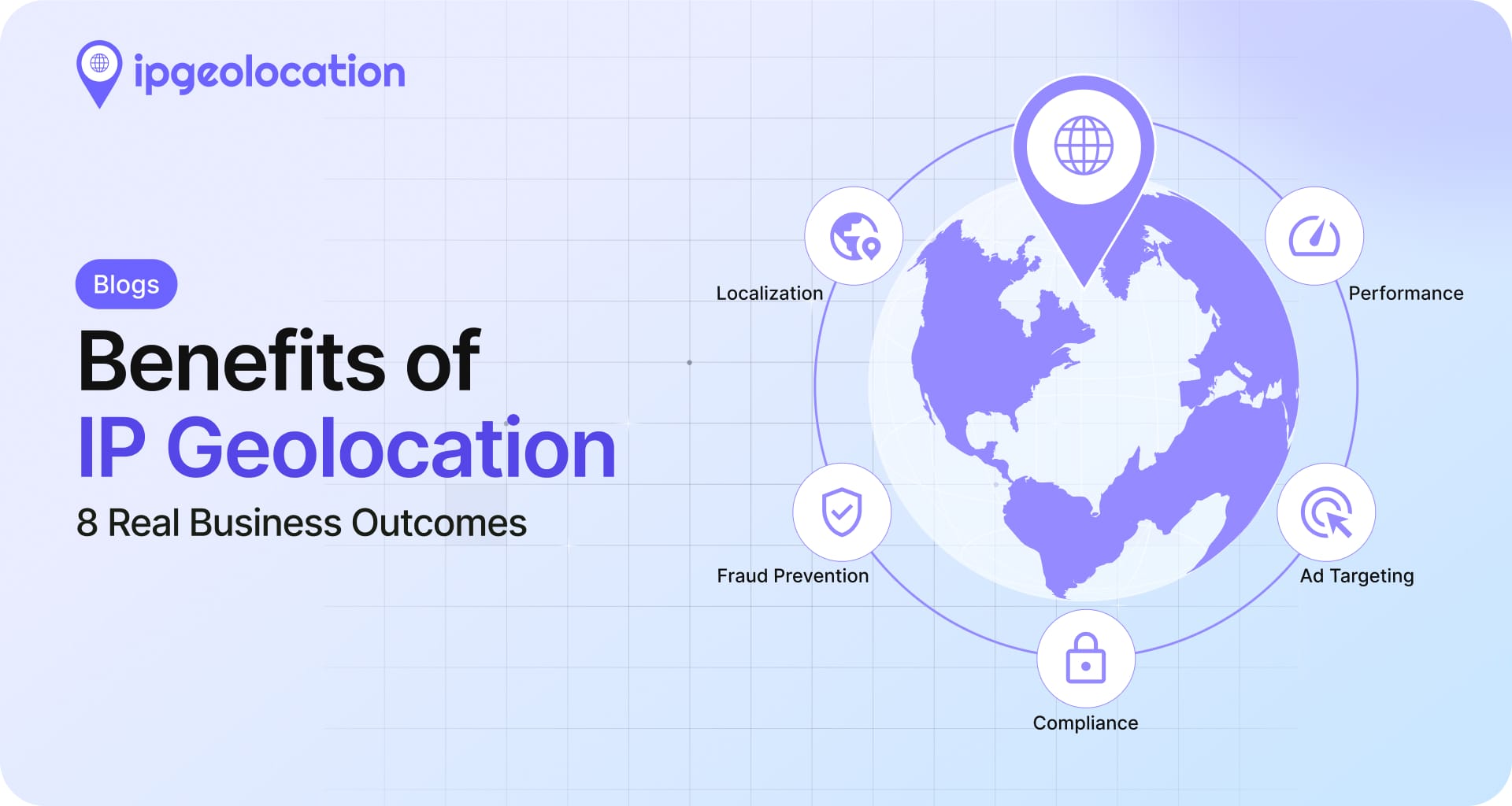
The benefits of IP geolocation are concrete: higher conversion from localized content, lower fraud loss, simpler regulatory compliance, smarter ad targeting, and faster apps through better routing. Each one ties to a measurable outcome rather than a feature description. This guide covers all eight, the industries where each one pays off most, and how to start using IP geolocation without overbuilding.
TL;DR
- Localization lifts conversion by removing currency, language, and shipping friction.
- Targeted advertising improves regional ROI without burning spend on the wrong markets.
- Fraud detection uses IP signals to catch impossible travel, credential stuffing, and transaction anomalies.
- Regulatory compliance simplifies GDPR, content licensing, and sanctions enforcement.
- Smart routing sends users to the nearest CDN edge, cutting latency.
- B2B intelligence maps anonymous traffic to companies for sales and ABM.
- Threat intelligence flags datacenter, proxy, and bot traffic before it causes damage.
- Better analytics add geographic and network context to every product event.
The right benefit depends on the kind of product you run. The industry matrix below shows which ones matter most for eCommerce, SaaS, AdTech, Fintech, streaming, and compliance-heavy industries.
What IP geolocation actually does
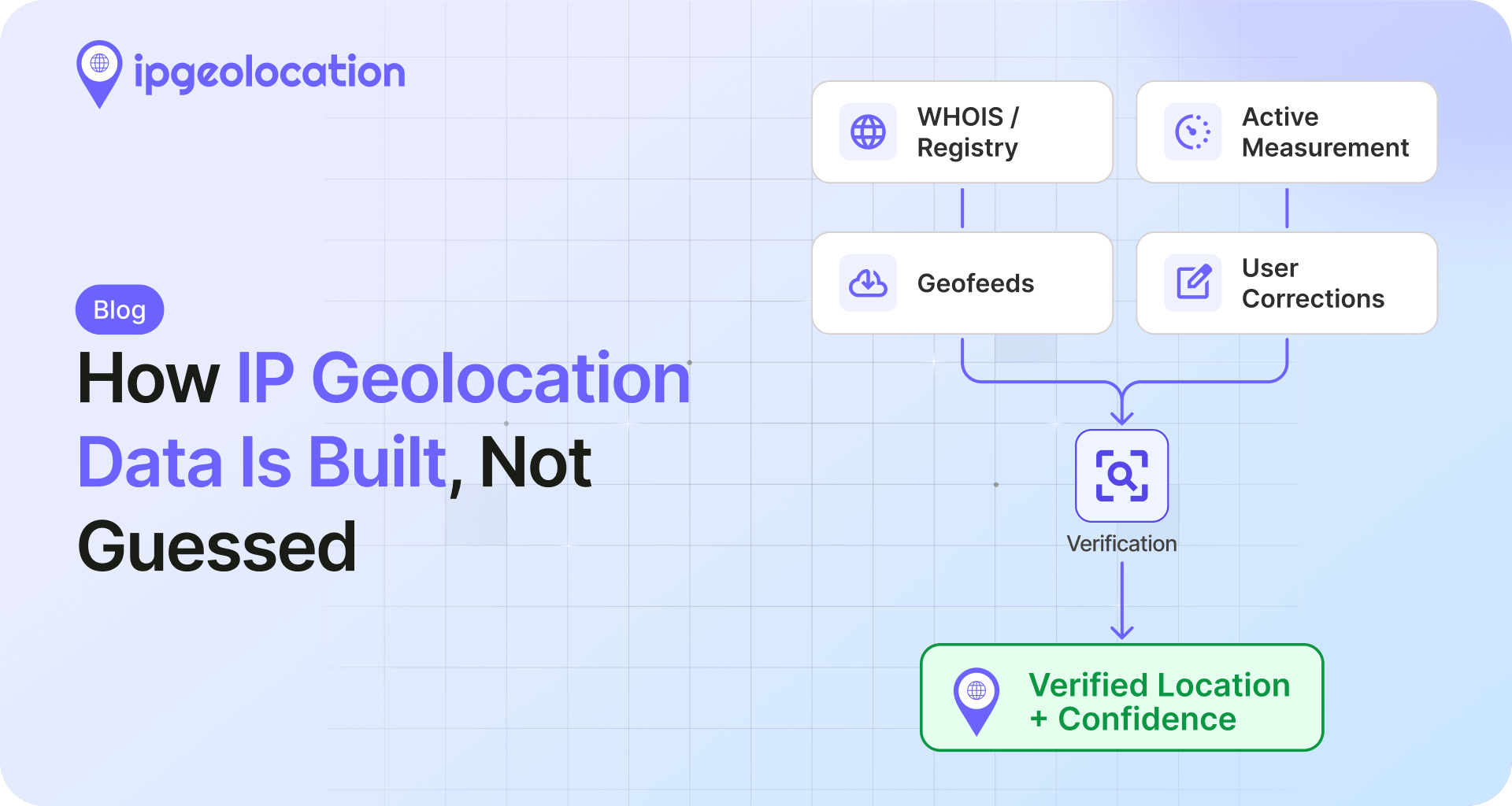
IP geolocation maps a public IP address to a probable location, organization, and network type. Country and region accuracy is high; city-level accuracy varies, and rooftop precision is not realistic. Internet geolocation has applications across law enforcement, marketing, and online regulation compliance, alongside service delivery based on location. For the deeper "how it works" explanation, see our guide to how IP geolocation works. This article focuses on what you actually get out of it.
The advantages of IP geolocation are easy to underestimate before you implement it and easy to overstate once you have. The realistic framing is that geolocation is a context input. It improves the quality of decisions made by other systems, like checkout, ad bidding, fraud scoring, or routing. The eight benefits below are arranged from the most visible (localized content) to the most foundational (analytics enrichment).
IP geolocation helps businesses identify a visitor’s approximate country, region, city, network, ISP, ASN, timezone, and risk context from their IP address. The main benefits are localization, fraud prevention, compliance, ad targeting, routing, B2B intelligence, threat detection, and analytics enrichment.
1. Localized content, currency, and language
The first benefit shows up everywhere a visitor lands: pricing in the right currency, content in the right language, the right shipping options, and the right product set for their market. Done well, this removes the most common friction in international purchase paths.
According to Shopify's enterprise data on multi-currency commerce, localized prices and storefronts directly improve conversion for international shoppers, and stores using multi-currency see meaningfully higher international sales on average. The lift is not magic. It comes from removing the cognitive cost of currency conversion at the moment of decision.
1. Why localization moves conversion
A shopper looking at a product page does not want to do mental math. Showing the price in their local currency, the language they read fluently, and the shipping window in days they recognize signals "this site sells to me." That signal is what closes the gap between traffic and purchase.
You also reduce drop-off at the checkout step. International cart abandonment is heavily driven by surprise around currency conversion fees, unexpected shipping costs, and unsupported payment methods. IP geolocation lets you fix those upstream by showing the right defaults from the first page view.
2. When localization fails (and how to avoid it)
Two common mistakes. First, blocking visitors who actually want the original site. A US user using a VPN to test the German experience shouldn't get hard-redirected with no escape hatch. Always offer a one-click switch back. Second, using city-level precision for decisions that should sit at the country level. City accuracy varies; country accuracy is high.
For tactical implementation, see geo-redirect visitors to a localized website and our Shopify integration for plug-in localization. For real-world examples, see 7 online retailers using IP geolocation for greater conversions.
2. Targeted advertising and measurable ROI
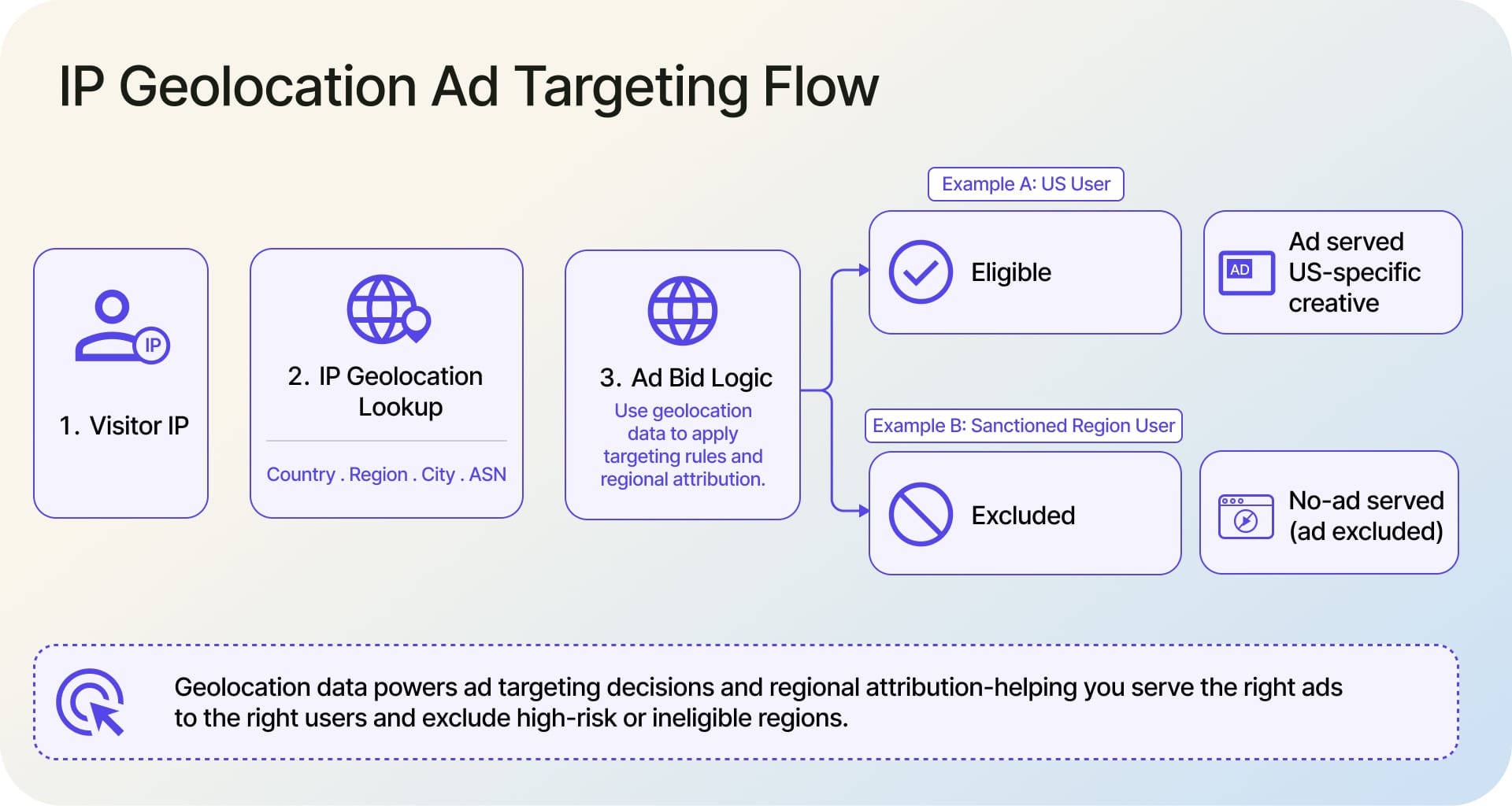
The second benefit is more efficient ad spend. Geographic targeting lets you concentrate budget on regions where your offer is relevant and pull it from regions where it isn't. The ROI improves because you can show the right ad, send users to the right landing page, and spend more only in regions where the offer actually fits.
This is not just about country exclusions. Sub-national targeting matters for retailers with regional offers, B2B vendors with territorial reps, and event-driven campaigns that run on local calendars.
1. Geographic ad targeting in practice
The simplest pattern is excluding clicks from regions where you cannot legally or practically serve. The next pattern is bid scaling: paying more for traffic from high-value regions and capping in low-value ones. The mature pattern is creative variation by region, where the headline, currency, and call-to-action all flex based on the visitor's country.
2. Attribution and regional analytics
Beyond targeting, IP geolocation cleans up attribution. Without it, regional performance gets blurred by VPN traffic, mis-IP'd users, and cross-border noise. With it, you can see whether a campaign actually moved the metric in the region you targeted, or whether the lift came from somewhere else entirely.
The cleaner attribution also makes ad spend defensible to finance. A regional campaign that looks like it produced a 1.5x ROAS at the surface might actually be a 0.7x once you strip out the VPN and proxy traffic that never had buyer intent. Geolocation enrichment gives you the inputs to do that filter once and apply it consistently across reporting.
3. Fraud detection and account security
Fraud teams use IP signals as one input in a stack of risk signals. On its own, an IP location is not a verdict. Combined with device fingerprint, behavioral patterns, and historical account data, it becomes one of the strongest single inputs available, which is why every modern fraud and trust-and-safety platform uses IP and network signals as machine learning model inputs alongside the rest of the risk stack.
Three patterns dominate.
1. Impossible-travel detection
Suppose a user logs in from London at 2:00 PM and then from Tokyo at 2:15 PM. This geographic discrepancy may indicate account compromise, but it can also result from VPN usage, proxy routing, or IP geolocation inaccuracies.
Treat impossible travel as a risk signal rather than proof of fraud. Compare login locations and timestamps with the user's session history, device information, and other behavioral signals. When the activity remains suspicious, require additional verification, such as multi-factor authentication, before allowing access to sensitive actions.
2. Credential stuffing and account takeover
Credential stuffing attacks use stolen username and password combinations to attempt logins across multiple accounts, often distributing requests across many IP addresses to evade per-IP rate limits.
IP intelligence can help identify suspicious patterns, such as unusual login volumes, repeated failed attempts, unexpected geographic distributions, and activity originating from datacenter or hosting IP ranges. However, legitimate users may also connect through corporate gateways, VPNs, and hosted infrastructure.
Combine IP intelligence with rate limiting, login velocity checks, account history, and behavioral signals to distinguish potential attacks from legitimate activity. Apply additional verification or temporary restrictions when multiple indicators suggest elevated risk.
3. Transaction-level anomaly signals
For payments and high-risk events, the IP-versus-billing-address mismatch is a classic input to a fraud score. So is country-level chargeback history. Neither is decisive alone. Both are cheap to compute and meaningfully lift the precision of the overall risk model. For a deeper security workflow, look at our IP security API, which exposes proxy, VPN, datacenter, and threat scoring directly.
4. Regulatory compliance and geo-restrictions
The fourth benefit is keeping the business on the right side of the law without overbuilding. Compliance use cases break into three buckets, and each one has different precision requirements. The IETF documents the role of IP geolocation in regulatory gating, content licensing, and routing as a recognized infrastructure-level capability.
1. GDPR, CCPA, and data residency
Privacy rules vary by jurisdiction. GDPR, CCPA, and other privacy laws can apply based on where a user is located, where a company operates, who it targets, and how personal data is processed.
Country-level IP geolocation can help as one signal at request time. It can help determine which consent experience to show, which data residency region to use, or which retention rules may need to be considered. But IP country alone does not determine which privacy regime applies. Use it alongside the other relevant context to make that decision.
A common setup is to use IP geolocation to detect a visitor’s current country, then use the country saved in their account as a backup for logged-in users. For example, if a French customer logs in while traveling in New York, you may still need to treat them as a French/EU user for consent and privacy rules. Define which signal takes priority in each situation so your legal team can approve the rule once instead of reviewing it again every time you launch in a new region.
2. Sanctions, content licensing, and OFAC
Sanctions enforcement is a hard requirement for anything touching payments, US-regulated software exports, or licensed media. Country-level blocking is the standard control. Streaming and licensed content add another layer: a rights deal might cover a film in 12 countries but not the 13th, and the geolocation check is what enforces the boundary. Same logic for sports streaming, where regional blackouts are part of the contract.
The cost of getting this wrong is asymmetric. A false positive is an annoyed customer; a false negative can be a regulatory fine, a content licensor pulling the deal, or worse. Most teams build in a small audit log around blocked requests so legal can trace any blocking decision back to the underlying signal months later. That audit trail is what turns geolocation from a feature into a defensible compliance control.
3. Geo-blocking done right
The mistake is overblocking. A traveler in a covered country gets blocked because they're using a hotel Wi-Fi that geolocates to a neighboring country. The fix is layered: use country-level geolocation as a primary signal, fall back to billing address or account country for legitimate users, and provide a clear explanation rather than a 403.
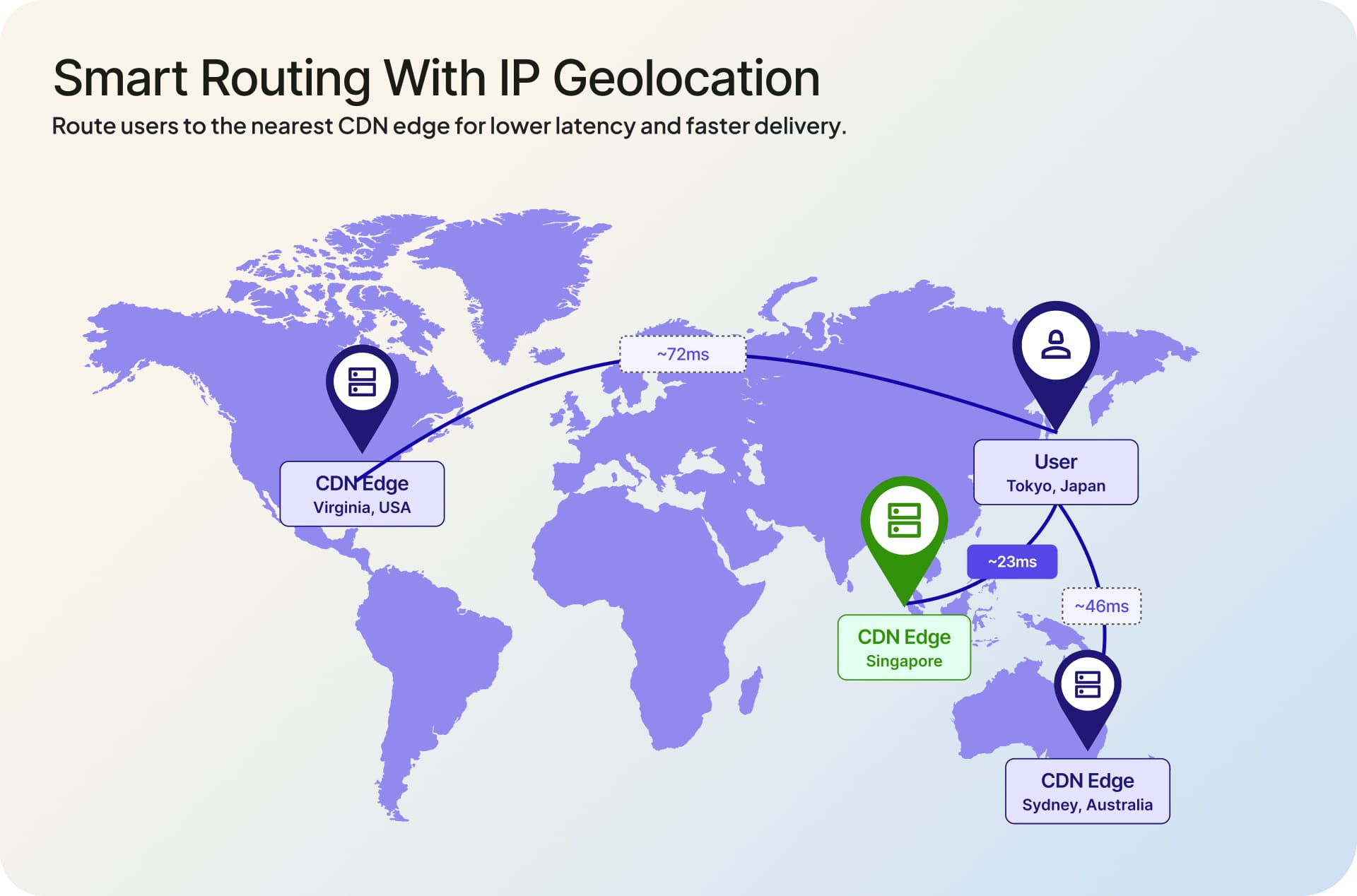
5. Faster apps via smart routing and CDN selection
Latency is the silent conversion killer. When pages or API responses feel slow, users drop before they buy, sign up, or complete the next step. IP geolocation helps route visitors to a nearby CDN edge or regional server, reducing distance and improving performance for global users.
Cloudflare's network spans 330+ cities in 120+ countries (per Cloudflare's network page), and that geographic spread only matters if requests actually get routed to the closest edge. Geolocation is what makes the routing decision.
1. How geolocation feeds CDN edge selection
Anycast handles a lot of routing automatically, but anycast alone cannot resolve every edge case, particularly for non-static endpoints, signed URLs, or origin shielding. Geolocation lookups give application logic an explicit hint: prefer the eu-west origin for this request, send this user to the Mumbai edge first, surface the Tokyo asset bundle.
2. Latency benefits in practice
The largest gains come from non-cached, dynamic responses where round-trip distance dominates. API endpoints, signed media URLs, and personalized content are the obvious candidates. For mostly-static content, the win is smaller because the CDN already handles it. Pick where to apply geolocation routing based on which requests actually feel slow.
The smaller, less obvious win is more reliable failover. When you route based on user location, you also get a clean way to fail over to a secondary region if the primary is degraded for a specific geography. The same lookup that picks the best edge under normal conditions also picks the best fallback when the best one isn't available. Build that into the routing layer, not into the application code.
6. B2B intelligence and IP-to-company identification
Most B2B websites have one painful number: the percentage of visitors they can name. Without form fills, that number is near zero. IP-to-company resolution turns it into something measurable by mapping non-residential IP ranges to the organizations that own them.
This works because companies above a certain size have allocated IP space registered to their corporate identity. When a request comes in from one of those ranges, you have a high-confidence signal about the visitor's employer, even if they never identified themselves.
1. How IP-to-company works
The data side is a maintained registry of IP ranges to company names, sourced from BGP, RIR records, and proprietary enrichment. The application side is a simple lookup at the visitor's IP. The output is an organization name, plus useful attributes like industry, employee count, and revenue band when available.
2. Use cases for sales and ABM
Sales and marketing teams use this signal three ways. The first is identifying anonymous accounts visiting your pricing or demo pages and routing the lead to a rep. The second is validating ABM target lists by checking which target accounts are actually engaging. The third is personalizing the on-site experience for known accounts: pulling up the relevant case study, surfacing the matching integration, or skipping the gated form for an already-qualified visitor.
7. Threat intelligence and abuse prevention
Not every visitor is who they appear to be. A meaningful fraction of internet traffic comes from datacenter IPs, residential proxies, anonymizing VPNs, and outright bots. IP geolocation, paired with network-type classification, lets you spot these before they hit anything sensitive.
1. Datacenter and proxy detection
Datacenter and hosting IP addresses can be useful risk indicators, particularly when they appear in unusual login patterns or high-volume automated requests. However, legitimate users may access consumer services through cloud-hosted environments, corporate gateways, VPNs, or other shared infrastructure.
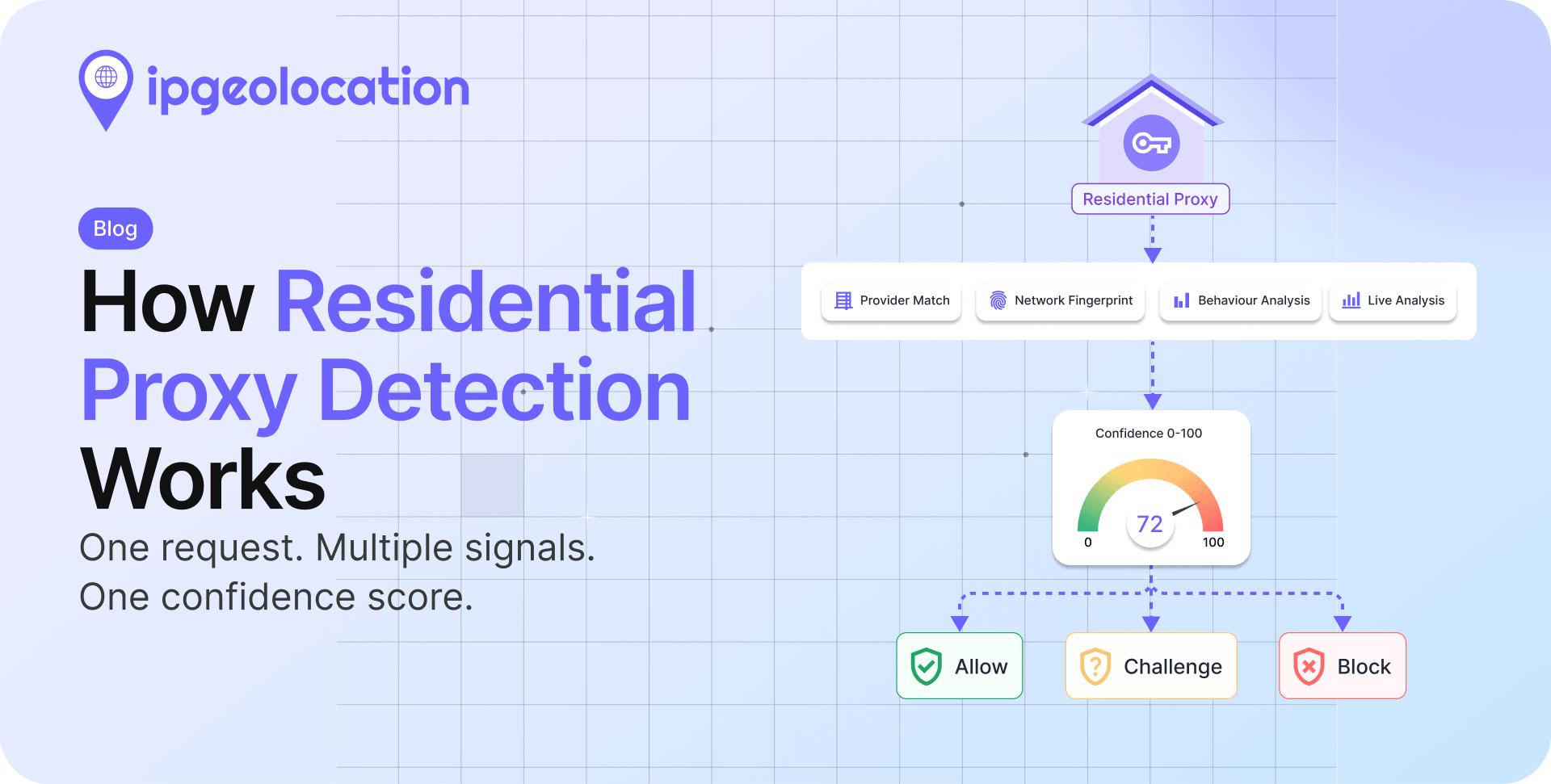
Residential proxies can also make automated activity appear to originate from consumer networks. To improve detection, combine network classification with request rates, account activity, behavioral patterns, and known threat intelligence. Use the combined evidence to determine whether to allow a request, apply additional verification, rate-limit traffic, or block activity with sufficient supporting evidence.
2. Bot mitigation signals
Geolocation alone does not catch bots. Combined with rate limits, behavioral analytics, and known bad-IP feeds, it becomes a strong layer. Geographic distribution of failed logins is one of the cleanest signals: a normal product has a distribution that mirrors the user base, and an attack has a distribution that does not.
A practical setup is to layer the signals in order of cost. Cheap network-type checks (datacenter, hosting, known anonymizer) gate the obvious cases at the edge. More expensive behavioral and device signals run deeper in the stack for traffic that gets through. The result is most bot traffic stopped before it reaches anything sensitive, with the high-confidence behavioral checks reserved for ambiguous cases.
8. Better analytics and audience insight
The eighth benefit is foundational. Adding geographic and network context to every analytics event makes the rest of the analytics stack more useful. You can see which regions actually convert, which ASNs drive support load, which countries respond to which campaigns, and where the cross-border drop-off cliffs are.
1. What geolocation adds to product analytics
Country, region, and city dimensions on every event open up retention and funnel views by geography. ASN and connection-type dimensions surface unexpected patterns: a feature that performs differently on mobile networks versus residential broadband, or a checkout step that fails disproportionately on a specific carrier. Without that context, the same data shows up as unexplained noise that no one has time to investigate.
2. Privacy-respecting implementation
The tradeoff is privacy. Storing exact IP addresses long-term is risky in many jurisdictions. The standard pattern is to enrich events with the geolocation attributes you need (country, region, ASN) and discard the raw IP, which gives you the analytical value without the regulatory exposure. Document this in your privacy policy, and align retention with your governance framework.
Which benefits matter most for your industry
Not every benefit applies equally. The matrix below shows the relative importance of each benefit for six industries, based on common implementation patterns. For a deeper breakdown of how each shows up across 10 IP geolocation use cases by industry, see our companion article.
| Benefit | eCommerce | SaaS | AdTech | Fintech | Streaming | Compliance-heavy |
|---|---|---|---|---|---|---|
| Localization | High | Medium | Low | Medium | High | Low |
| Targeted advertising | Medium | Low | High | Medium | Medium | Low |
| Fraud detection | High | High | Medium | High | Medium | High |
| Regulatory compliance | Medium | Medium | High | High | High | High |
| Smart routing | Medium | High | Medium | Medium | High | Medium |
| B2B intelligence | Low | High | Low | Medium | Low | Low |
| Threat intelligence | Medium | High | Medium | High | Medium | High |
| Better analytics | High | High | High | High | High | Medium |
A few patterns worth naming. eCommerce wins most on localization and fraud. SaaS leans into B2B intelligence, threat protection, and routing. Fintech treats fraud and compliance as table stakes. Streaming lives or dies on compliance and routing. Compliance-heavy industries (regulated finance, healthcare, regulated media) push hardest on the regulatory and security columns. For real examples of companies applying these benefits in production, see the case-study breakdown.
How to start using IP geolocation
The easiest path is an API call at request time. You pass the visitor's IP, you get back country, region, city, ASN, and the security signals you need. Most teams add it as a request-enrichment step in middleware, then read the enriched fields in application logic. Database integrations are also available for high-volume offline workloads where per-request API calls aren't practical.
If you're trying to decide why use IP geolocation in a specific feature versus skip it, the answer usually comes down to whether the feature actually changes behavior based on location. Showing a localized currency? Yes. Logging a user-agent string? No. Don't add a lookup to a code path that won't act on the result. The point is to make decisions cheaper, not to enrich every event for the sake of enrichment.
If you're evaluating, the IPGeolocation.io API covers location, network, currency, timezone, and security data in one response, with a free tier to test fit. Pricing scales by request volume; details are on the pricing page.
FAQs
Benefits describe outcomes (revenue lift, fraud reduction, compliance). Use cases describe applications (localization, ad targeting, geo-blocking). Both are useful framings. This article covers benefits; the use cases article covers applications by industry. Pick whichever framing matches the question you're trying to answer.
Country-level accuracy is consistently high across major commercial providers. City-level accuracy varies by region and is best treated as a probability rather than a point. Mobile networks and large ISPs reduce city accuracy because their IP ranges may cover wide areas. For most use cases, country and region precision is enough; reach for city precision only when the decision actually depends on it.
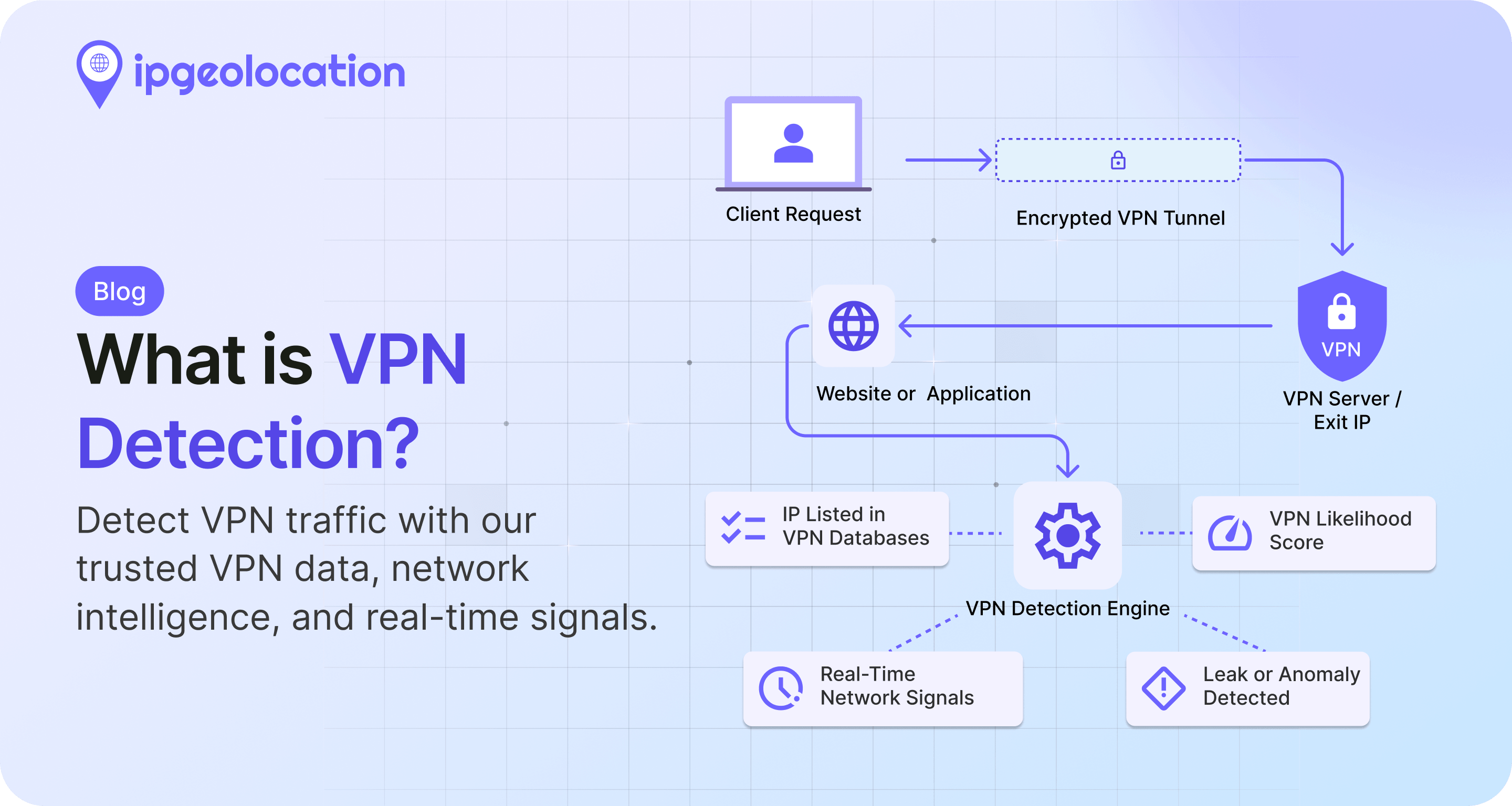
A VPN or proxy will return the location of the exit node, not the user. Good IP geolocation services flag VPN, datacenter, and proxy traffic as separate attributes. You then decide what to do with the signal: allow, block, challenge, or ignore depending on the use case.
IP addresses can be personal data under GDPR, but legitimate processing for fraud prevention, security, and personalization is generally allowed under appropriate legal bases. Best practice is to enrich events with geolocation attributes, discard raw IPs when not needed, and document the processing in your privacy policy. Talk to legal counsel for your specific implementation.
Costs scale with request volume. Most providers offer a free tier for low-volume use and paid plans starting in the tens of dollars per month for production traffic. See the IPGeolocation.io pricing page for current details. Database licensing is a separate model for offline workloads.
If you're ready to test, start with the API and a single endpoint. Pick the benefit closest to your current pain (fraud, localization, or compliance is usually the entry point), wire it up, and measure. The other benefits compound from there.