




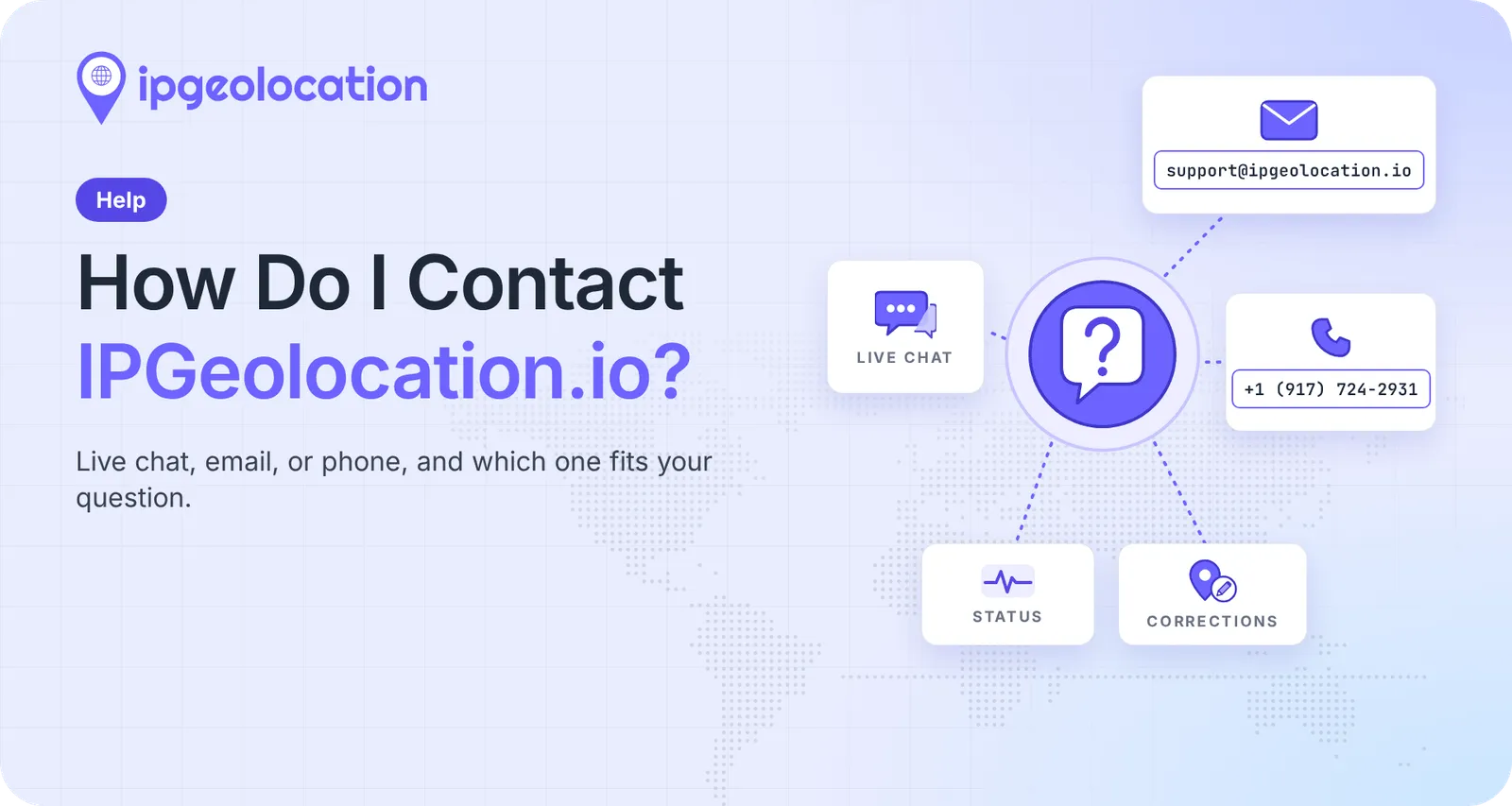
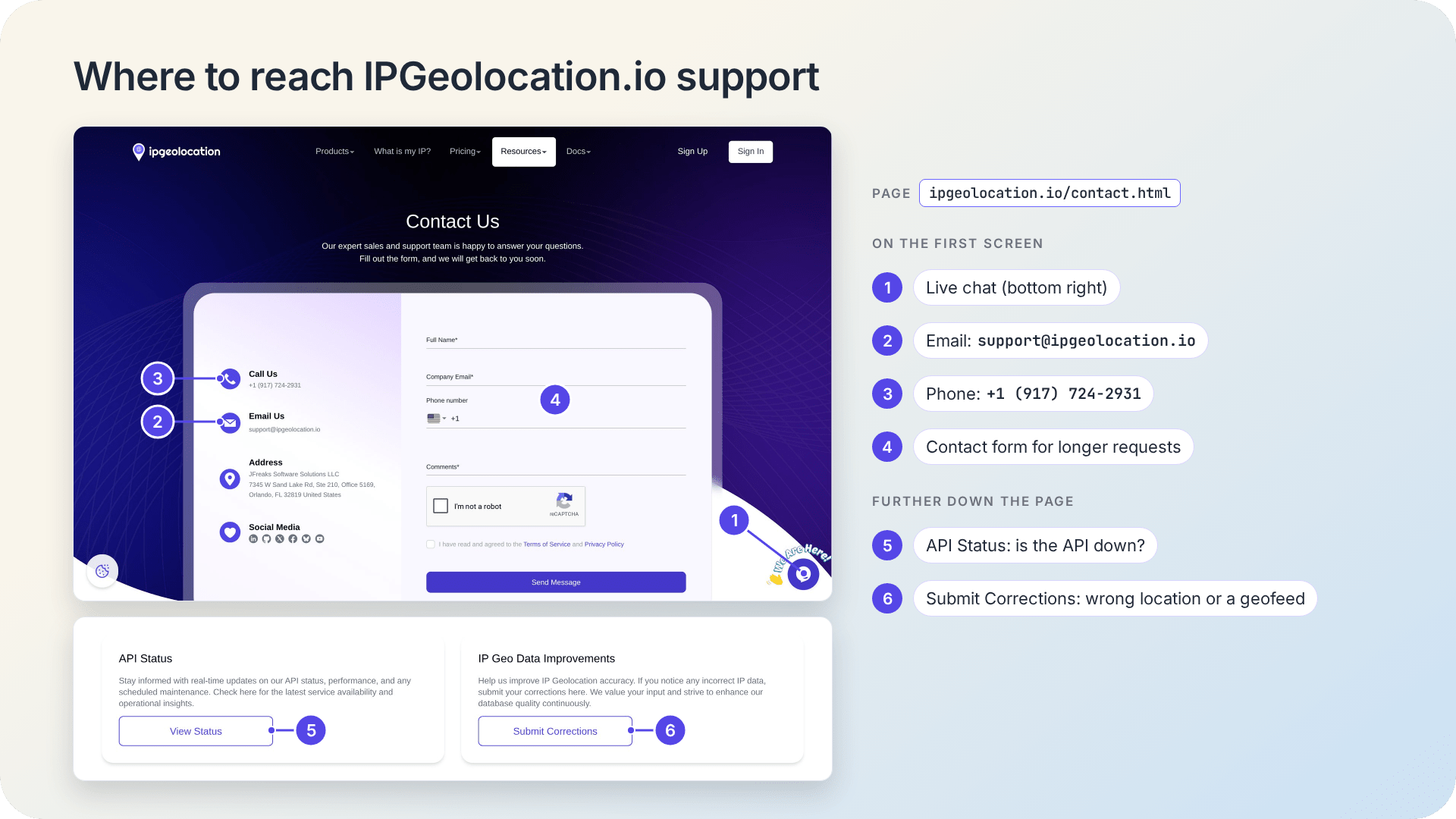
You can contact IPGeolocation.io support in three ways: live chat from the chat bubble at the bottom right of the IPGeolocation.io website, email at support@ipgeolocation.io, or phone at +1 (917) 724-2931. All three are listed on the contact page, which also has a contact form.
A few problems have a quicker route than a support conversation. When the API seems to be down, the IPGeolocation.io status page shows whether it's responding. When a location looks wrong, the corrections form sends it to the people who review the data. For sales, partnerships, or feedback, the contact page form reaches the same team, and our official profiles and review pages are listed under "Follow IPGeolocation.io" and "Review IPGeolocation.io".
Which Channel Fits Your Question
Use live chat for a quick question, email for anything that needs a look at your account or a written record, and the phone if you'd rather talk it through. For some problems, a page outside support answers without waiting for a reply, and the table says which.
| Your Problem | Where To Go |
|---|---|
| The API is down or slow | The status page first. If it shows the API up, check the error code your requests get; if that doesn't explain it, email support with the details listed under "What to Include in Your Request". |
| A 5xx error (500, 502, 503, 504) | Email support@ipgeolocation.io with the request; our API documentation asks for this because a 5xx means the fault is on our side. One exception: a 503 saying your API key couldn't be verified is temporary, so retry after a short wait first. |
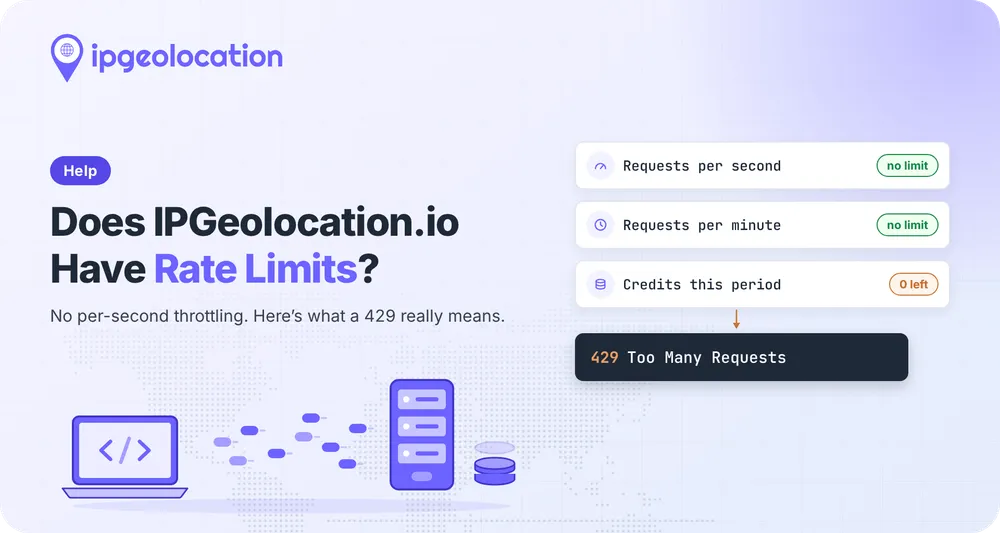
| A 401, 402, or 429 error | The error codes in the API documentation list every cause. If none fits your account, email support with the request and the response. |
| A location looks wrong | The corrections form, which asks for the IP address or range and the right country, region, and city, the fields a reviewer needs to check the record. For many ranges, set up a geofeed and share its URL in the form. |
| A charge, a refund, or canceling | Cancel from your dashboard. For a charge you don't recognize or a refund, email support; the refund terms are in the Terms of Service. |
| Trying paid data before you buy | Ask on live chat or by email for a free trial of a paid plan (the pricing page covers what it includes). |
| Enterprise pricing, downloadable databases, or a demo | The contact page form, database pricing and quotes, or book a demo (60 minutes, API or database). |
| Privacy, GDPR rights, a DPA, or deleting your data | Email support@ipgeolocation.io. The GDPR page commits to a response within seven days, and what we keep from your lookups is explained in its own article. |
| You can't sign in | "Forgot password?" on the sign-in page; if that doesn't work, the sign-in page's "Contact support" link opens the contact page. |
| A non-profit or educational discount | Ask support by live chat or email. |
| A bug in an SDK, the CLI, or the MCP server | Open an issue on that project's repository in IPGeolocation.io's GitHub organization, with the version you use and the code that fails. For anything tied to your account, email support instead. |
| Feedback, a feature request, or a partnership idea | Live chat, email, or the contact page form, which takes feedback, suggestions, and partnership requests. |
If no row fits, start a live chat or write to support@ipgeolocation.io and describe what you expected and what happened; the checklist in "What to Include in Your Request" covers the details to add.
Check These Before You Write
Three checks often answer the question before you send it:
- Status: the status page tests
apifrom seven locations in North America, Europe, Asia, and Australia. If every location shows the API up, the problem is more likely in the request or the network between you and us..ipgeolocation .io - The error code: the documentation's error table lists each cause per status code. A 401 covers, among other things, a missing or invalid API key, an email address you haven't verified yet, and a paid feature called with a free plan key; a 402 means a paid subscription has passed its active-until date; a 429 means the credit allowance for the period is used up.
- Your usage: the dashboard shows credits used and remaining. For a 429 on the free plan, what the free plan includes explains the daily allowance and when it resets.
What to Include in Your Request
Send what lets support reproduce the problem without a round of follow-up questions:
- Your account email: the address you signed up with. Leave your API key out of chat and email; a key pasted into a message works for anyone who reads it.
- The request: the endpoint and the full URL with the key's value replaced (
apiKey=REDACTED), including anyinclude,fields, orexcludesparameters. - The response: the HTTP status code and the response body with its error message.
- The time: the date and time of the failing request, with its time zone (UTC if you can).
- The IP addresses: the addresses you looked up, especially the one whose result you're questioning.
- For billing questions: the
X-Credits-Chargedheader from the responses in question, if your code logs response headers, and the date of the charge. How credits are charged explains the header. - Your SDK or integration: its name and version, if you call the API through one.
Follow IPGeolocation.io
IPGeolocation.io links six official profiles from its contact page and site footer. Follow them for product news and new guides; questions about your account, a charge, or an error belong in live chat or email.
- LinkedIn: IPGeolocation.io on LinkedIn
- GitHub: github.com/IPGeolocation, with our open-source SDKs, the CLI, the MCP server, and the OpenAPI spec
- X: @ipgeolocationio
- Facebook: facebook.com/ipgeolocationio
- Bluesky: @ipgeolocation.bsky.social
- YouTube: @ipgeolocation-io
To get news by email, use the newsletter form at the bottom of IPGeolocation.io pages.
Review IPGeolocation.io
If you use IPGeolocation.io, you can review it on Trustpilot or G2. We don't offer credits, discounts, or anything else in exchange for a review. To read how other teams use our data first, see our customer stories.
Frequently Asked Questions
Yes. You can call IPGeolocation.io at +1 (917) 724-2931, the number on the contact page. For anything involving your account or a charge, email support@ipgeolocation.io as well so the details are in writing.
The IPGeolocation.io support email is support@ipgeolocation.io. It handles API problems, including 5xx errors, billing questions, and privacy, GDPR, and data processing agreement (DPA) requests.
Check the IPGeolocation.io status page at status. It tests the API from seven locations in North America, Europe, Asia, and Australia and shows uptime and response time for each. If it shows the API up while your requests fail, email support with the request, the response, and the time.
Use the IPGeolocation.io corrections form with the IP address or range and the correct country, region, and city. Networks that manage many addresses can use the form's geofeed option and share the URL of their geofeed instead.
Yes. IPGeolocation.io's live chat opens from the chat bubble at the bottom right of its website pages, including the documentation, pricing, and Help Center pages. Our support agents answer it 24/7, and it works inside your signed-in dashboard as well as on the website.
What One Lookup Can Return
If your question is about what the data covers rather than a fault, the answer may already be in the response. One IPGeolocation.io lookup can return geolocation, security (VPN, proxy, and Tor detection with a threat score), ASN, company, abuse contact, time zone, and user agent data, and the pricing page shows which plan includes each.